
Ad Video Generator for Ecommerce Teams
Turn a brief, brand assets, and listing inputs into AI ad creative you can review, render, and iterate in one ad video generator workflow.
Built for ecommerce teams running paid social, launches, and catalog pushes. Use this ad video generator when you need fresh hooks, cuts, and new test variants from one approved brief.
Create, review, and reuse video ads in one workspace
See how brands use this ad video generator to ship paid social ads
Browse launch cuts and paid social ads built for testing, catalog pushes, and evergreen performance campaigns.
Beis Carry-On Roller
Hatch Restore 3
Stanley Quencher 30oz
Built for repeatable video ad workflows
Built for ecommerce teams that need an AI ad video generator with more testing velocity, without losing review control, traceability, or iteration speed.
Storyboard-first workflow
Turn a campaign brief into a reviewable storyboard draft before the generator renders.
Run history and variants
Keep every completed run so the ad generator can spin up new creative variants quickly.
Status and retry controls
Track progress and retry failed runs without rebuilding the brief inside the workspace.
Download and share actions
Download finished ads, copy links, and hand off approved creative faster.
Manual ecommerce ad production vs the ProductX ad video generator
Replace scattered docs and handoffs with one workflow for AI video ads across ecommerce teams.
| Aspect | Manual Process | ProductX Ad Video Generator |
|---|---|---|
| Input Preparation | Scattered docs and ad-hoc image links | One shared workspace for brief capture, storyboard review, and final render |
| Failure Recovery | Restart from scratch | Retry failed runs inside the workspace with preserved context |
| Iteration Speed | Re-brief every new variant | Generate the next variant from the same project |
| Team Visibility | Status hidden in chats | Live stage tracking inside the shared workspace |
From campaign brief to launch-ready ads with an ad video generator
Start with a short campaign brief, review the storyboard, then render a launch cut your team can iterate on.
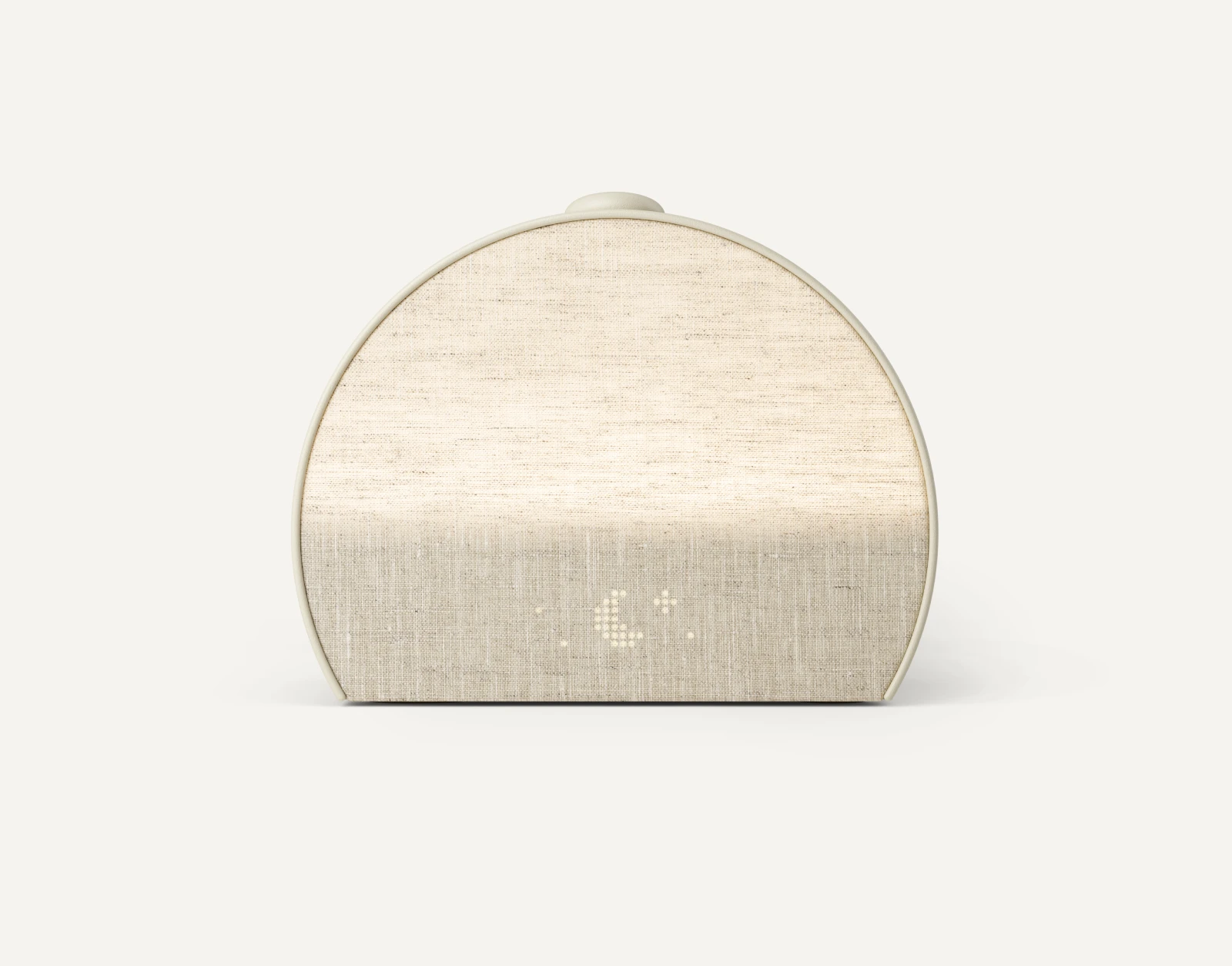
Hatch Restore 3
Start with a real campaign brief: audience, offer, hook, and trusted source images. The workflow uses that context to keep the creative grounded.
Phone-free sleep routine device positioned around calmer evenings, gentler mornings, and premium bedside design.
Frequently Asked Questions
Learn how ecommerce teams use an AI ad video generator to brief, review, and launch paid social creative with tighter control.
What is an ad video generator?
An ad video generator turns a campaign brief, brand assets, and offer inputs into a storyboard and final ad creative. ProductX adds storyboard review before render so teams can check scenes and claims early.
How can I make a quick ad with AI?
Open the AI ad video generator, add your offer, audience, and reference images, then approve the storyboard draft. ProductX turns that brief into new ad creative you can render and iterate without starting over.
How do I create ads with AI from listing copy and images?
Use the workflow to paste listing copy or a URL, upload images, and review the storyboard before video render. This is a fast way to create ads with AI while keeping claims and visuals aligned.
Can I use ProductX as an AI video ad generator for paid social?
Yes. ProductX is built for paid social teams that need fast testing cycles, variant reuse, and tighter review control before render.
Need PDP videos, launches, or product storytelling instead? Explore Product Video